Skip to product information
1 of 6

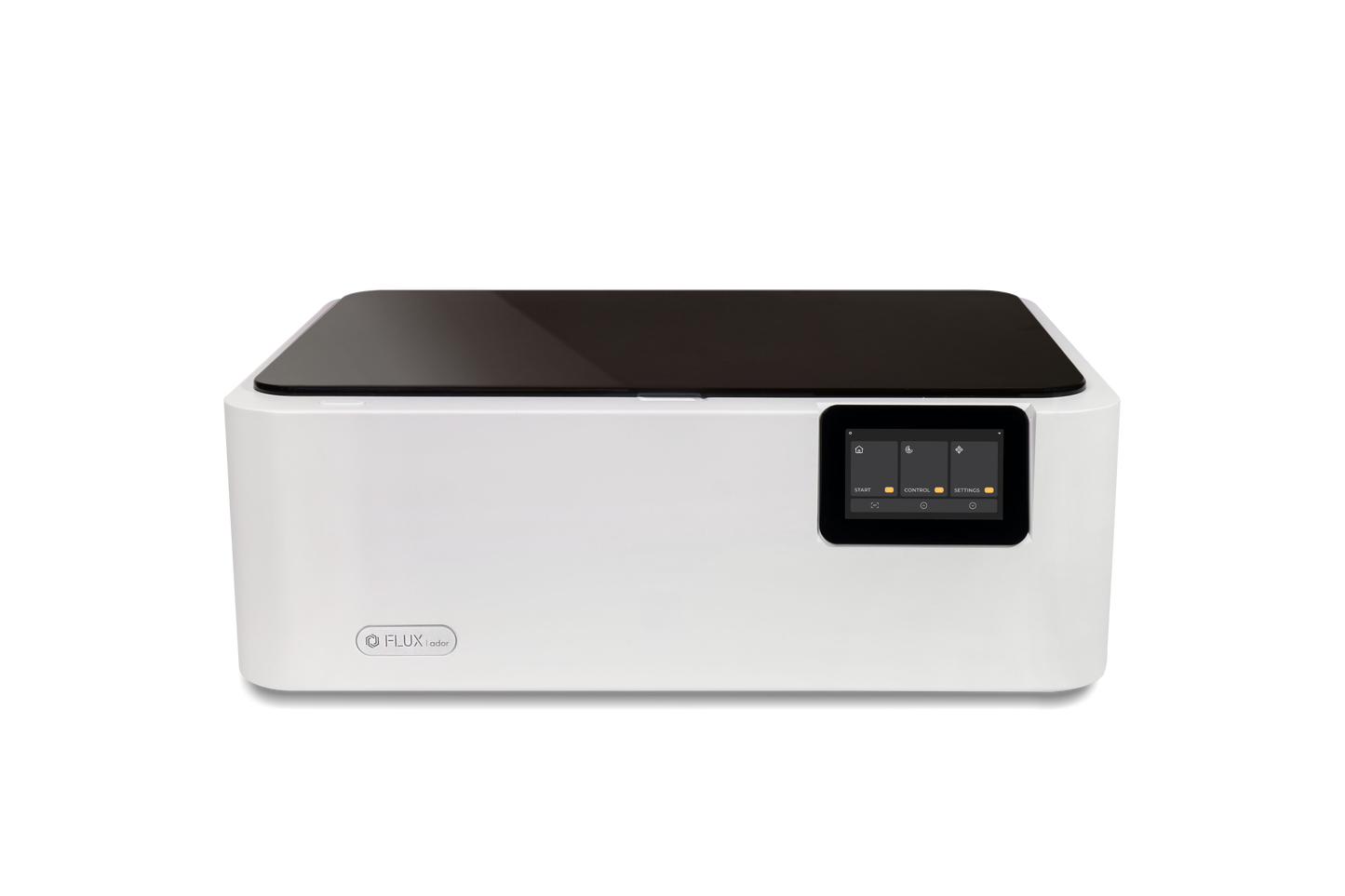
FLUX Ador Color Printing Laser Cutter

FLUX Ador Color Printing Laser Cutter


✓  10W/20W Diode Laser Module
✓  400mm/s High-Speed Engraving
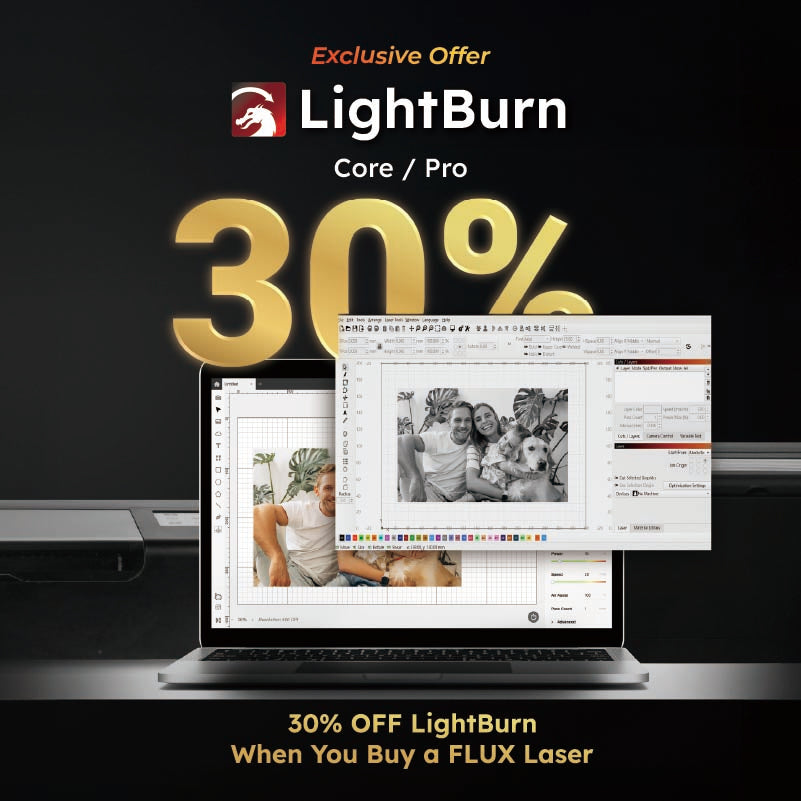
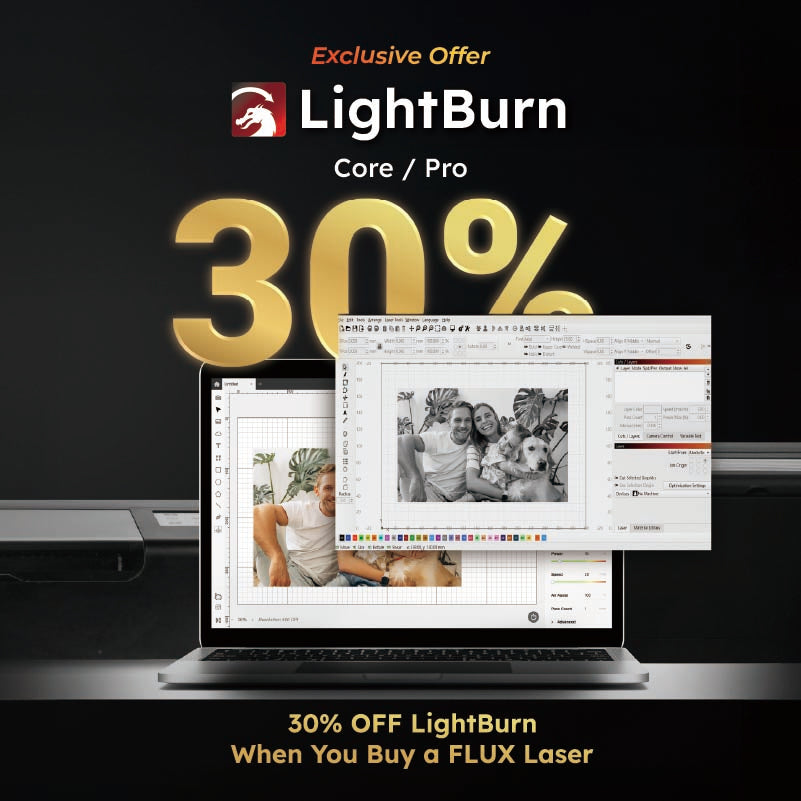
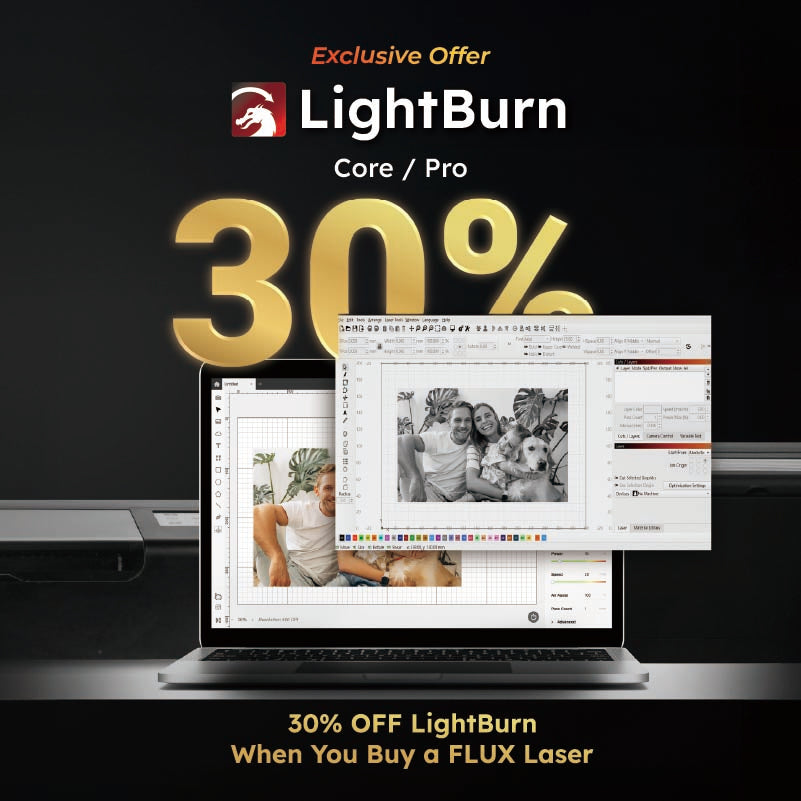
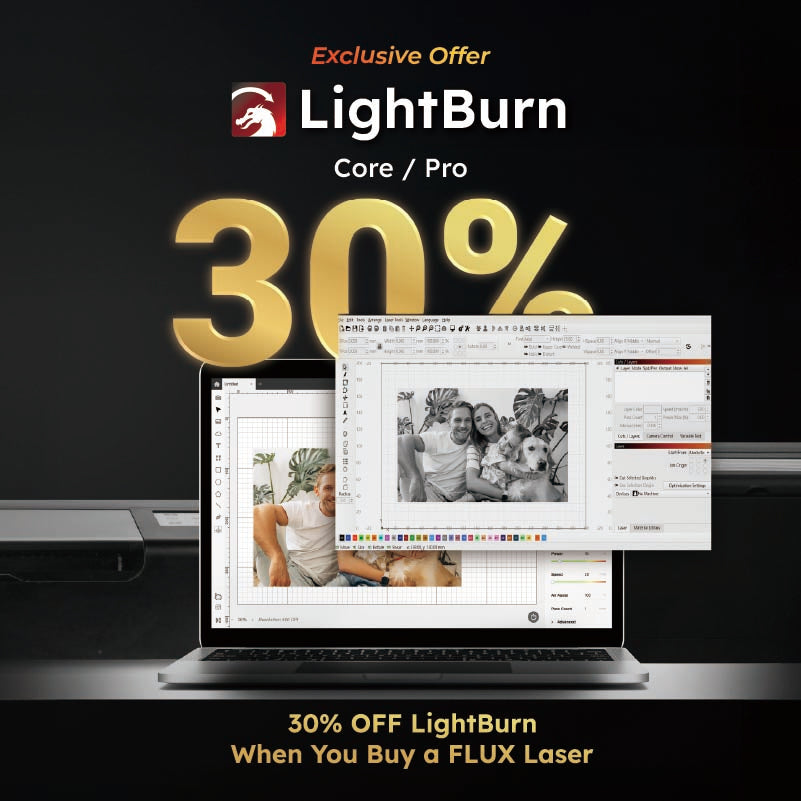
✓  Compatible with LightBurn and Beam Studio
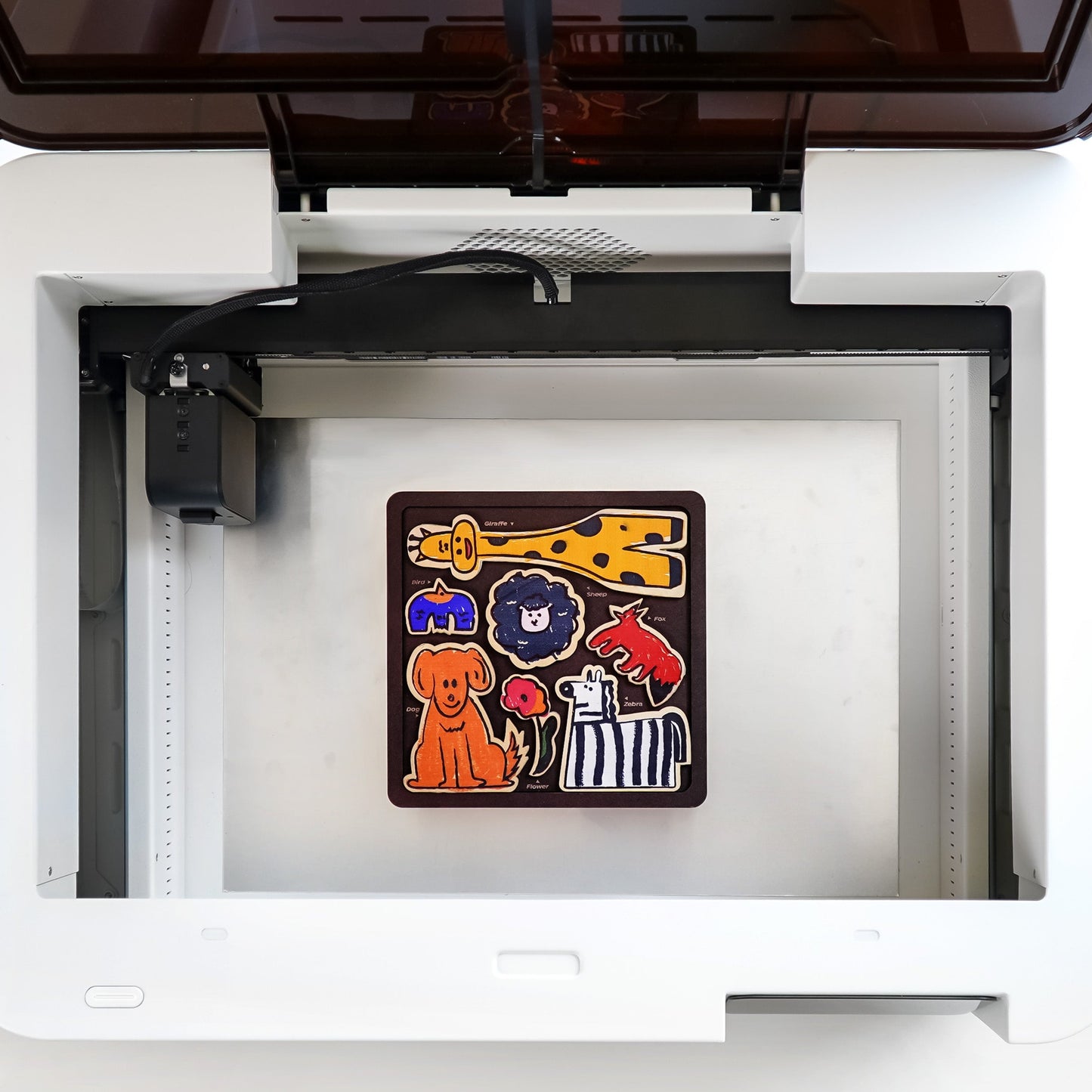
✓  Large 430 mm x 300 mm (16.93" x 11.81") Working Area
  OSHA Compliance - IEC 60825-1 / FDA Class 1 Laser Safety Compliance 
✓  1000 DPI High Resolution

Optional Add-on Modules:
✓  2W Infrared Laser Add-on: Engrave on metal and metal-like materials with precision
✓  Printing Add-on: Add stunning color effects to your laser creations

Read More Product Information 🔗 
FLUX Laser Comparison Chart 🔗 


Sale price
Limited time deal 00:00:00
Regular price $1,399.00
Coming soon
    View full details

    Frequently Asked Question

    General Information

    1. What is Ador?
      Ador is the world's first color printing laser cutter. Powered by three interchangeable modules including 10W/20W Diode Laser, 2W Infrared Laser Add-on and Printing Add-on. Ador enables you to engrave and cut through a wide range of materials while enhancing your projects with a pop of color.
    2. What are the dimensions and weight of Ador?
      Ador is compact. The machine's dimensions are 637 x 488 x 226mm, and its weight is 19kg.
    3. I'm new to all this, what if I still have questions?
      You're more than welcomed to contact our customer support team at support@flux3dp.com!

    Laser Specifications

    1. What laser modules does Ador offer?
      Ador currently offers three interchangeable modules: 10W/20W diode laser module, 2W Infrared Laser Add-on for metal engraving and the Printing Add-on.
    2. What is the laser wavelength of Ador?
      The diode laser module has a wavelength of 445nm, while the 2W Infrared has a wavelength of 1064nm.
    3. What is the laser spot size of Ador?
      10W diode laser's laser spot is 0.06 x 0.08mm; 20W diode laser's laser spot is 0.07 x 0.11mm.
    4. What is Ador's maximum engraving speed?
      Ador can achieve an engraving speed up to 400mm/s.
    5. What is the expected lifespan of the diode laser modules?
      Under normal usage conditions, the diode laser modules have a lifespan of 10,000 hours.
    6. What are the differences between diode laser and infrared laser?
      The main difference between the 10W and 20W diode laser is their power; it will provide stronger cutting capabilities with higher power. The 2W infrared laser is suitable for engraving other metals or plastics.

    Connectivity & Software

    1. What software is needed to operate the machine?
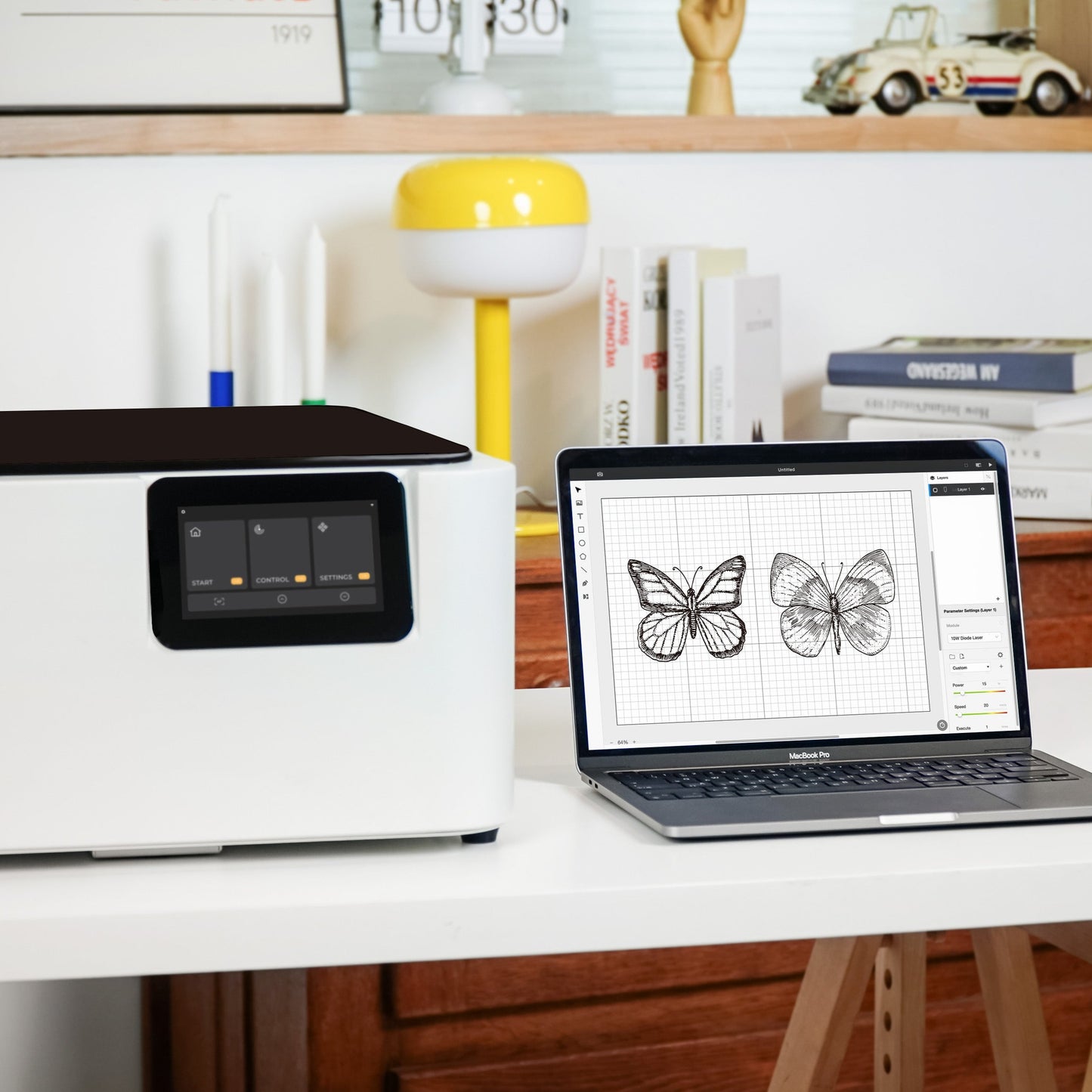
      Ador supports Beam Studio and LightBurn (with extra cable). It is compatible with Windows, macOS, Linux, ChromeOS, iOS, iPadOS, and Android.
    2. How is Ador connected?
      The machine can be connected via WiFi, USB cable, or Ethernet (with an adapter).
    3. What file formats does Ador support?
      Ador supports SVG / PNG / JPG / DXF / PDF / AI from your favorite design software.
    4. Does the machine have a camera preview feature?
      Ador is equipped with an 8MP high resolution camera for precise material positioning and efficient alignment.

    Material Compatibility

    1. Can Ador engrave on metals?
      The 10W/20W Diode Laser Modules can directly engrave metal surfaces or remove anodized coatings on metals. When combined with the 2W Infrared Laser Add-on, it can engrave other materials such as gold, brass, titanium, aluminum, black acrylic, ABS plastic, silver, and iron.
    2. What is the maximum thickness Ador can cut?
      The cutting thickness varies for different materials; for detailed information, please refer to Ador's Material List above.
    3. Can Ador cut through plastic?
      It is not recommended to laser cut plastic under any circumstances. However, by using 2W Infrared Laser Add-on, it is able to engrave ABS plastic.
    4. Can Ador engrave or cut acrylic?
      Due to the wavelength of the diode laser, Ador can only engrave or cut black acrylic. Any light-colored or transparent acrylic cannot be engraved or cut by Ador. If you have engraving or cutting needs for transparent acrylic, please refer to FLUX Beam Series CO2 laser cutting machine.

    Maintenance & Operation

    1. Does Ador require optical alignment?
      Ador's modules are lightweight and can be directly installed on the optical axis, eliminating the need for optical alignment or bulky water cooling systems that CO2 lasers require.
    2. Does Ador require periodic cooling water replacement?
      Both the diode laser module and 2W Infrared Laser Add-on come with built-in cooling fans, eliminating the need for an external water cooling system.
    3. Is it possible for Ador to work for extended periods without breaks?
      Ador can operate continuously if the indoor temperature is maintained at a suitable level:
      - Laser Module: 5-30°C (41-86°F)
      - Printing Module: 16-25°C (60.8-77°F)

    Overall rating: 5.0 / 5 from 19 reviews.

    AI Generated Review Summary

    Summary topics

    Review topics: [].

    Review highlights

    Reviews

    A good helper who gets twice the result with half

    "I bought FLUX beamo and FLUX Ador. The small size and lack of space is a big advantage and allows me to transform every inspiration into reality. Simple operation and easy to use. Whether it is my personal creation or the special needs of customers, I can get twice the result with half the effort."

    蔡丞彥 (5/5)

    Compact Yet Powerful – A Great Tool for Your Cre

    "This machine may be compact, but it packs powerful features. Equipped with various tool heads, it adapts flexibly to different needs, making it very convenient to use. The built-in camera preview system ensures a "what you see is what you get" experience, allowing for more precise and creative work."

    Lance (5/5)

    Above standard

    "The camera is very convenient, and there's no need to worry about engraving in the wrong spot. Although changing the colors for printing can be a bit of a hassle, but the quality is great. I've printed on a metal lunch box, paper, and plastic items, and the results have been excellent."

    reyes (5/5)

    Great product

    "It's great for personalizing items with engraving and printing. Overall, it's very convenient to use, and I became familiar with the machine quickly after making a few creations."

    sally (5/5)

    Aesthetically pleasing machine

    "I really like this machine. The appearance and color are beautiful, and it's very easy to use. The software is also very convenient to operate. Plus, it has a ventilation function, so I don't have to worry about bad odors in the room"

    niua (5/5)

    FLUX Ador

    "The combination of laser engraving and color printing is really powerful, it saves a lot of trouble and I hope it can be more innovative!"

    Liao Y. (5/5)

    Amazing engraved and printed

    "While I use Ador I can print every pics or words on everthing. I printed my name on air pod. Beautiful words on powerbank. I also can engraved on wood, it has really good quality. I do really recommend Ador."

    J. J. (5/5)

    Amazing experience

    "This machine brings my creativity to life and is convenient for beginners to use. It is easy to maintain and repair. In terms of printing functionality, it supports multiple materials, making it highly recommended for beginners to purchase."

    Ivy (5/5)

    Performs well

    "I like the ease of use and the design of the ADOR. The laser engraving and simple cutting are very convenient, and the printing quality is great. However, changing the ink cartridges can be a bit troublesome. Overall, I'm still very satisfied with this machine."

    Agan (5/5)

    Small,but powerful!

    "Although it is small, it can provide powerful functions. It can quickly proof by itself, saving time and costs. What you see is what you get with the built-in camera, allowing you to be more creative."

    葉子紙業 (5/5)

    Q&A