
Skip to product information
1 of 18

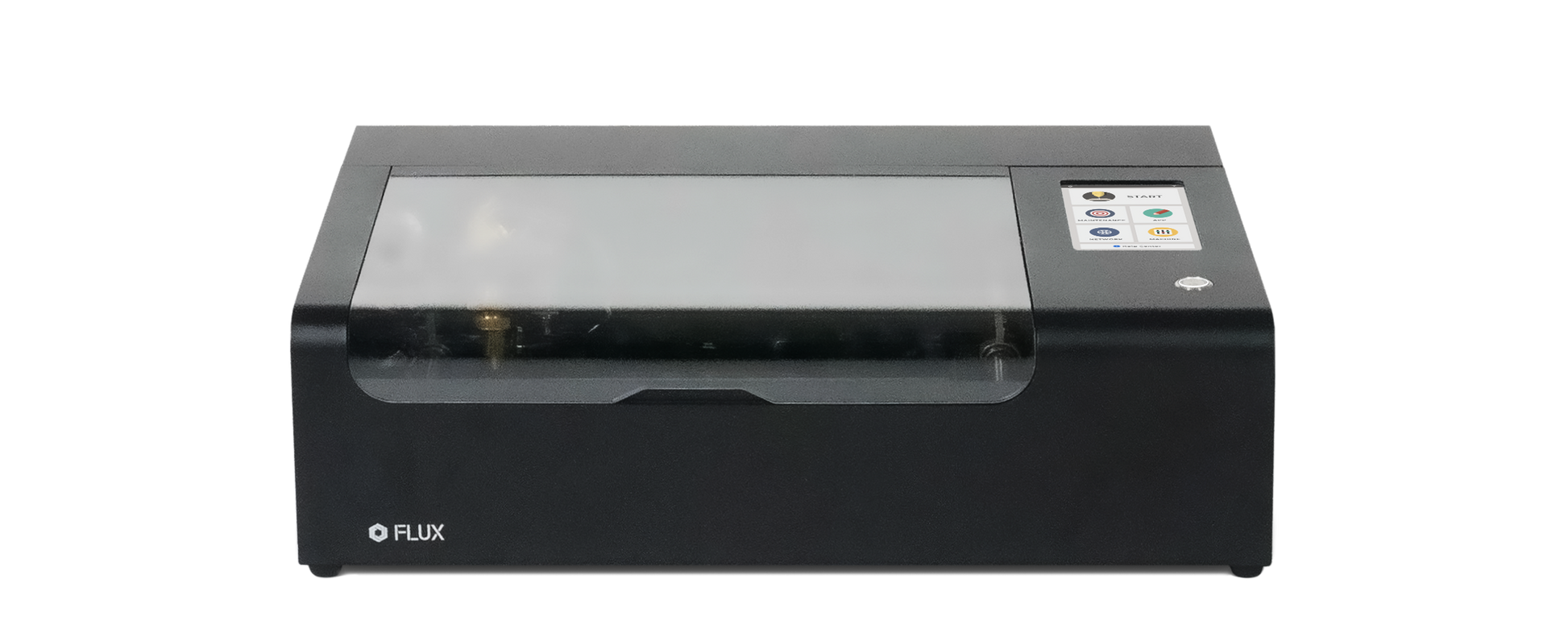
FLUX beamo 30W Desktop CO2 Laser Cutter

FLUX beamo 30W Desktop CO2 Laser Cutter


✓  30W CO2 Laser
✓  Cuts ALL COLORS of acrylic
✓  Precision camera preview
 OSHA Compliance - IEC 60825-1 / FDA Class 1 Laser Safety Compliance
✓  Compatible with Lightburn (extra cable required)

Read More Product Information 🔗
FLUX Laser Comparison Chart 🔗 

    Mother's Day Offer FLUX Laser 10% Off
    00
    DAYS
    :
    00
    HRS
    :
    00
    MIN
    :
    00
    SEC
    Sale price
    Limited time deal 00:00:00
    Regular price $1,690.00 $1,995.00
    Regular price $1,690.00
    You save $305
    Coming soon

    Free Shipping

    Shipping Notice

    • Orders ship within 3 business days in the U.S.; 5 business days for Canada and Alaska.
    • Orders shipped to Canada may be subject to import duties and taxes due to local regulations. These charges are determined and collected by local customs authorities and are the responsibility of the recipient.
    • For further information, please please refer to the Shipping Policy.

    Lifetime Customer Service

    For customer support, please contact us at support@flux3dp.com or via FLUX Facebook Messenger.

    12 Months Warranty

    For detailed information about the warranty policy, please refer to the following link:FLUX Warranty Policy.

    Free Software

    Meet Beam Studio

    Free laser cutter software built for FLUX Lasers, Beam Studio works on desktop, tablet, and mobile, enabling seamless creation across multiple platforms.

      View full details

      Frequently Asked Questions

      • General Information
        1. What is beamo?
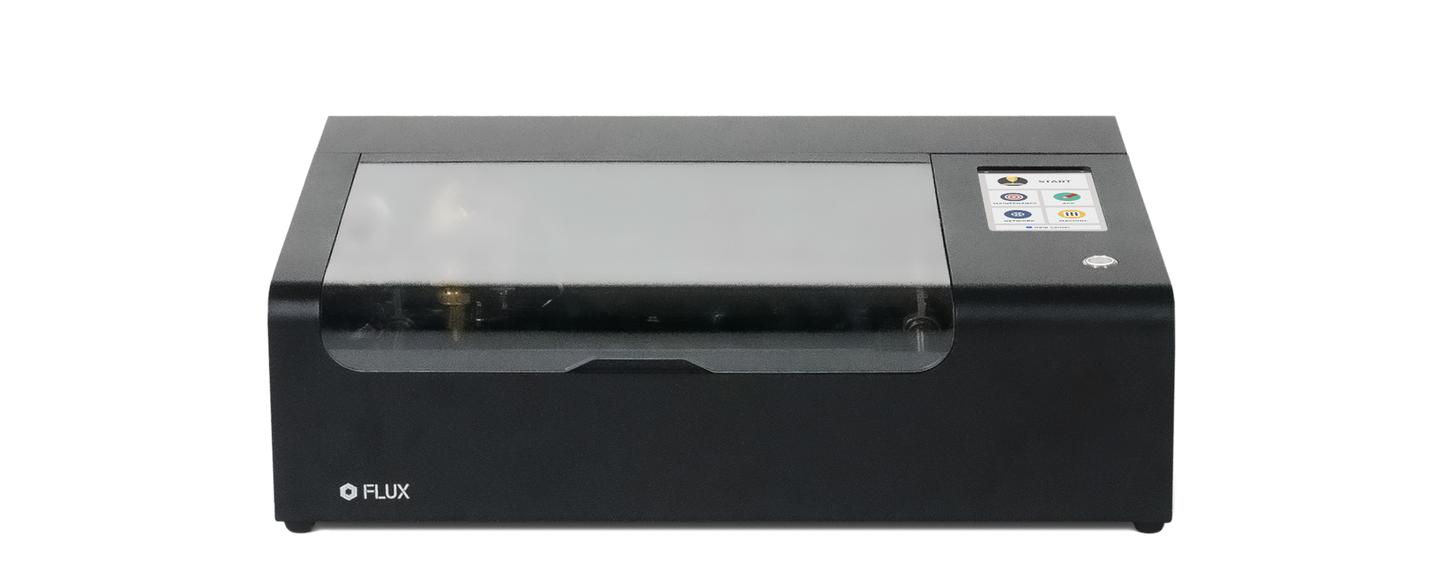
          beamo is a small desktop CO2 laser cutter and engraver. It features a powerful 30-watt CO2 laser, that can cut and engrave on organic materials and even engrave select metal. With its revolutionary design and intuitive user interface, you’re just steps away from having fun making amazing things.
        2. Will beamo be difficult to set-up?
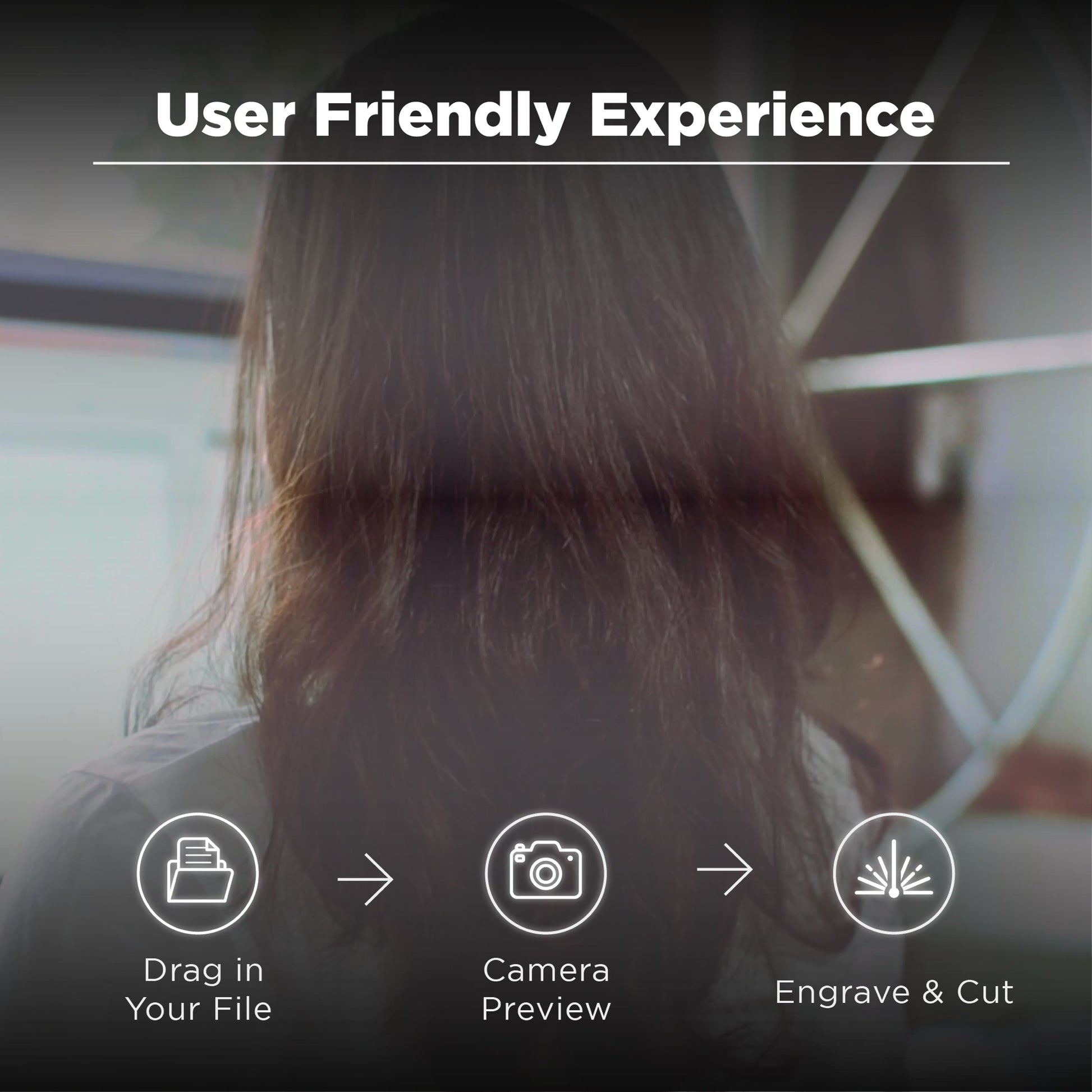
          beamo supports file formats you’re familiar with, such as JPG, PNG, SVG, DXF, AI and PDF, and our software is very easy to use. With the included tutorial, you will be making things in no time!
        3. I'm new to all this, what if I have some questions?
          You can easily find answers to the most common questions in our Help Center, which we update regularly. You can also contact our customer support online and our support team will be more than happy to help you.
        4. What is the warranty?
          We provide a 12-month warranty for beamo and 3-month warranty for the laser. If you’ve encountered an issue, please contact our technical staff, so we can determine a suitable fix. Parts and tutorials will be provided if needed, and for the cost of shipping.
      • Laser Information
        1. What's the wattage of the laser tube?
          beamo is equipped with a 30W CO2 laser tube operating at 10640nm. The wavelength is suitable for cutting all kinds of acrylics and other non-metal materials.
        2. What materials can beamo cut and engrave?
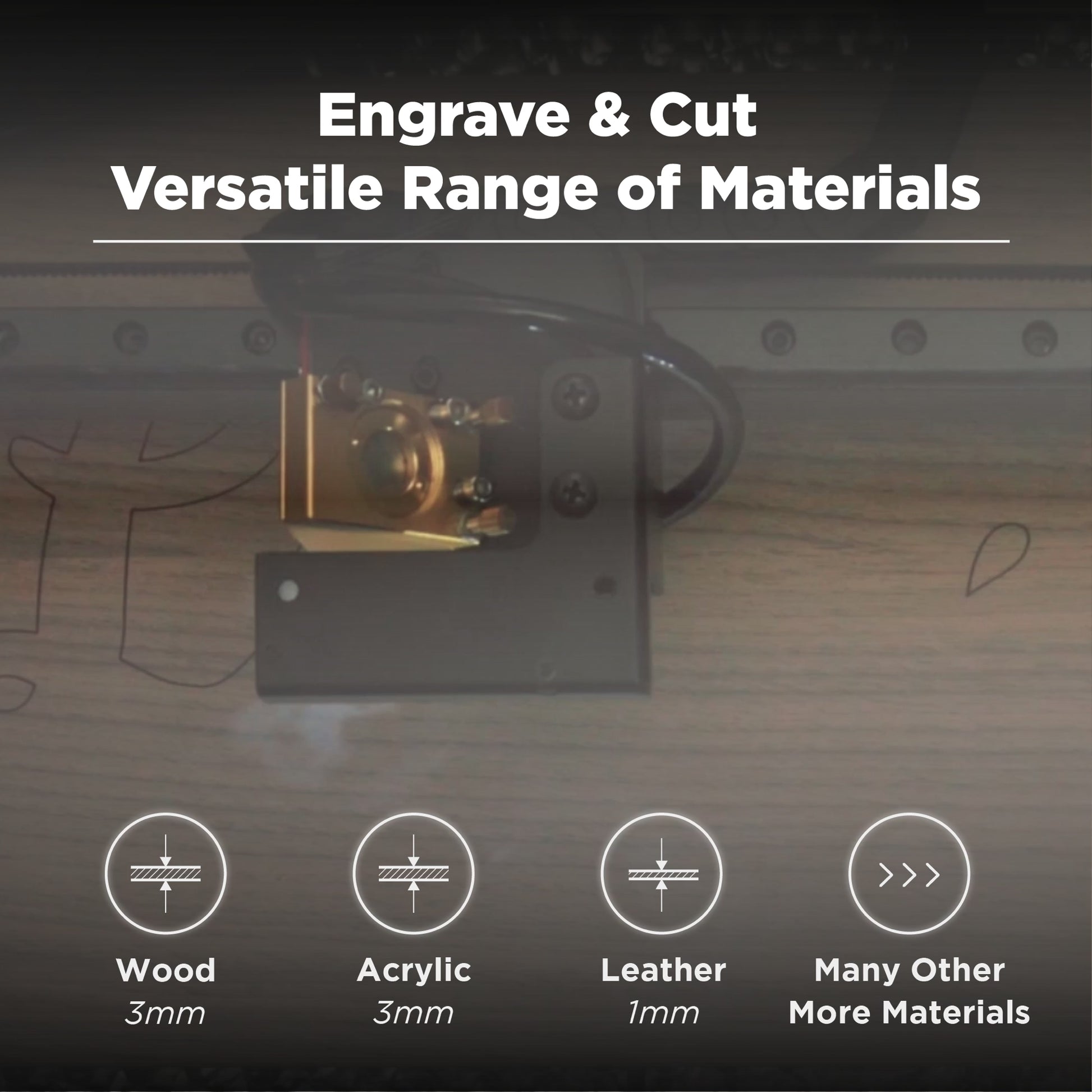
          beamo can cut and engrave wood, acrylic, leather, rubber, foods, stone, glass and more. The maximum cutting thickness is up to 7mm (varies by material). beamo can also engrave on anodized aluminum and stainless steel, but the power levels are not enough to cut these materials.
        3. Is it possible to cut deeper than the maximum cutting thickness stated in the specs?
          If you slow down the speed or re-do the cut, you can cut thicker pieces.
        4. Does the camera cover the complete work area?
          Almost, the camera will miss the upper margin by 1cm. Please see the specs for the exact dimensions.
        5. What safety precautions should I take?
          beamo is designed with various safety features, such as open lid detection and emergency shutdown. Nevertheless, it is best never to leave beamo unattended while it’s operating.
        6. Can beamo cut metal?
          The power levels are not high enough to cut metal, but beamo can etch anodized aluminum. In addition, CO2 laser works well on stainless steel with the use of Cermark or Brilliance spray.
      • Connections & Software
        1. Is Beam Studio free?
          Yes, it's completely free. Feel free to download it even before receiving your machine. We welcome your feedback!
        2. What file types does Beam Studio support?
          Beam Studio supports JPG, PNG, SVG, AI, and DXF files.
        3. Is Lightburn Supported?
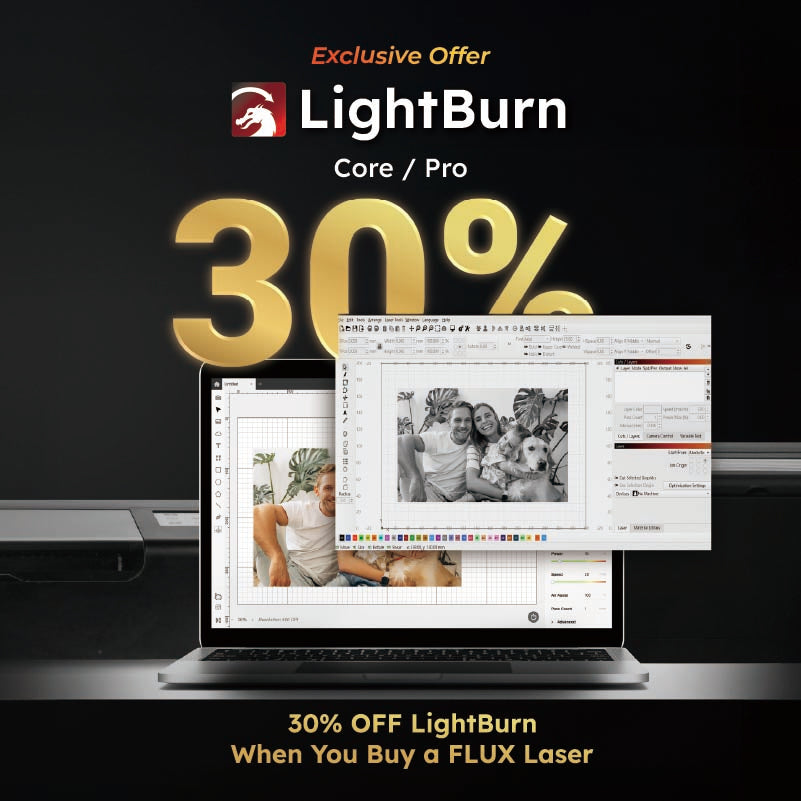
          You can control your machine through Lightburn with an additional bridge cable ($49). Currently, the camera preview feature is not supported in Lightburn.
        4. What is the touch panel?
          The touch panel allows you to start, pause, and stop tasks, as well as control and monitor your Beambox's status with just a touch of your finger.
        5. Can the machine operate independently?
          Yes. When you import files to Beam Studio, they're uploaded to the machine before the task begins, allowing you to disconnect your computer anytime. You can also import files directly using a USB drive or select from the recent task list on the touch panel.
        6. How do I connect the machine to my laptop?
          You can connect via Wi-Fi, Ethernet, or use a direct Ethernet connection for offline operation.
        7. What operating systems does Beam Studio support?
          Beam Studio is compatible with Windows, macOS, and Linux.

      Overall rating: 4.969697 / 5 from 33 reviews.

      AI Generated Review Summary

      The FLUX beamo 30W Desktop CO2 Laser Cutter is praised for its efficiency and high-quality laser engraving capabilities. Customers appreciate its precision and ease of use, making it suitable for small businesses, classrooms, and home use. The machine includes a free LightBurn Bridge Cable and offers compatibility with various file types and materials.

      Summary topics

      • Efficiency and Quality: 26%
      • Precision and Ease of Use: 26%

      Review topics: [].

      Review highlights

      • "I sincerely thank FLUX for developing such an easy-to-use laser engraving machine."Bryan 何.
      • "Beamo is a really fun tool to bright my life!"Richard. H.
      • "In terms of power, the beamo 30W performs reliably when cutting wood boards ranging from 1."TANTUNNY

      Reviews

      Great laser cutter and engraver

      "My flux beamo has been great overall expect it gave me a little heart attack when the screen fluttered making you unable to see the options before it went to black. But I guess the simple turn it off turn it on solution worked because it worked after the 4th try now the screen hasn't had any more issues"

      Diamond B. (4/5)

      Make our dreams come true

      "I have been using this Beamo for four years and have made many things. To be honest, it is really easy to use! Recently, I will also start a laser engraving course at my Christian church, and I am also starting to design an AI smart pet house. I sincerely thank FLUX for developing such an easy-to-use laser engraving machine. Let’s work together!"

      Bryan 何. (5/5)

      A good helper who gets twice the result with half

      "I bought FLUX beamo and FLUX Ador. The small size and lack of space is a big advantage and allows me to transform every inspiration into reality. Simple operation and easy to use. Whether it is my personal creation or the special needs of customers, I can get twice the result with half the effort."

      蔡丞彥 (5/5)

      Making prototype efficiency

      "Beamo is a really useful tool to make a quick prototype for wood and cardboard, so I can quickly make adjustments for my prototype without wasting time! I use it to make duplicates copy to my students, they are so happy to get their own piece. Sometimes they broken few pieces, I can re-make it right away!"

      Kai (5/5)

      Beamo brights my life

      "Beamo is a really fun tool to bright my life! I am immature user of laser cutter, I found many useful information and experience that other people share on the Flux forum, I started to create my own projects and having fun with Beamo. I made few pen holder to my daughter’s kindergarten teachers , adding my doughter’s hang writing make pen holder more memorable! Teachers love their gifts! Very satisfied with Beamo."

      Richard. H. (5/5)

      ​Compact, Versatile Laser Cutter Excels

      "​As a hobbyist, my experience with the FLUX Beamo 30W laser cutter has been exceptional. Its compact design fits perfectly in my workspace, and the user-friendly software made setup a breeze. I've successfully cut and engraved materials like wood, acrylic, and leather with precision. The built-in camera simplifies material alignment, enhancing workflow efficiency. Overall, the Beamo has significantly elevated my crafting projects."

      Yiyang (5/5)

      These wooden tags are insanely cute!

      "This is a Beamo laser-engraved camping tag that I made, and I’m super satisfied with the result! ✨ The details are finely engraved, and the quality is amazing! Bringing these cute wooden tags to our camping trip made everyone love them, and the kids were especially thrilled. It added such a unique touch to the campsite! 🏕🔥 I'm really happy with Beamo and highly recommend it to anyone who loves DIY and camping! 💯"

      wei (5/5)

      The Best Partner for Precision-Engraved Bamboo Jaw

      "I primarily use the FLUX Beamo to engrave bamboo and craft jaw harps, and I'm truly impressed by its precision and intuitive operation. Bamboo has a unique texture, yet Beamo delivers crisp and detailed results, enhancing the quality of my work. The FLUX team's software interface is user-friendly, making it easy for beginners to get started while allowing advanced users to unleash their creativity. I'm excited to participate in this event and connect with more creators to explore new possibilities!"

      Ting (5/5)

      Make fun item painless!

      "I love my Beamo not only because it has efficiency size to fit into my house, but also it helps me to create many items for different case. Currently I made a door name hanger for my god daughter, and a spinner coaster for my son! Kids love these customized and unique item for good memories! also Beamo always save me when I want to offer special gift to special person."

      Ming L. (5/5)

      Beginner friendly while also capable of pro output

      "The beamo studio app is pretty easy & intuitive. Quite a stealing price for beginner to get a hold of, while with some fine tuning, it's also possible for stunning looking professional works."

      Eva (5/5)

      Q&A